
Complete geolocation tools for Gravity Forms
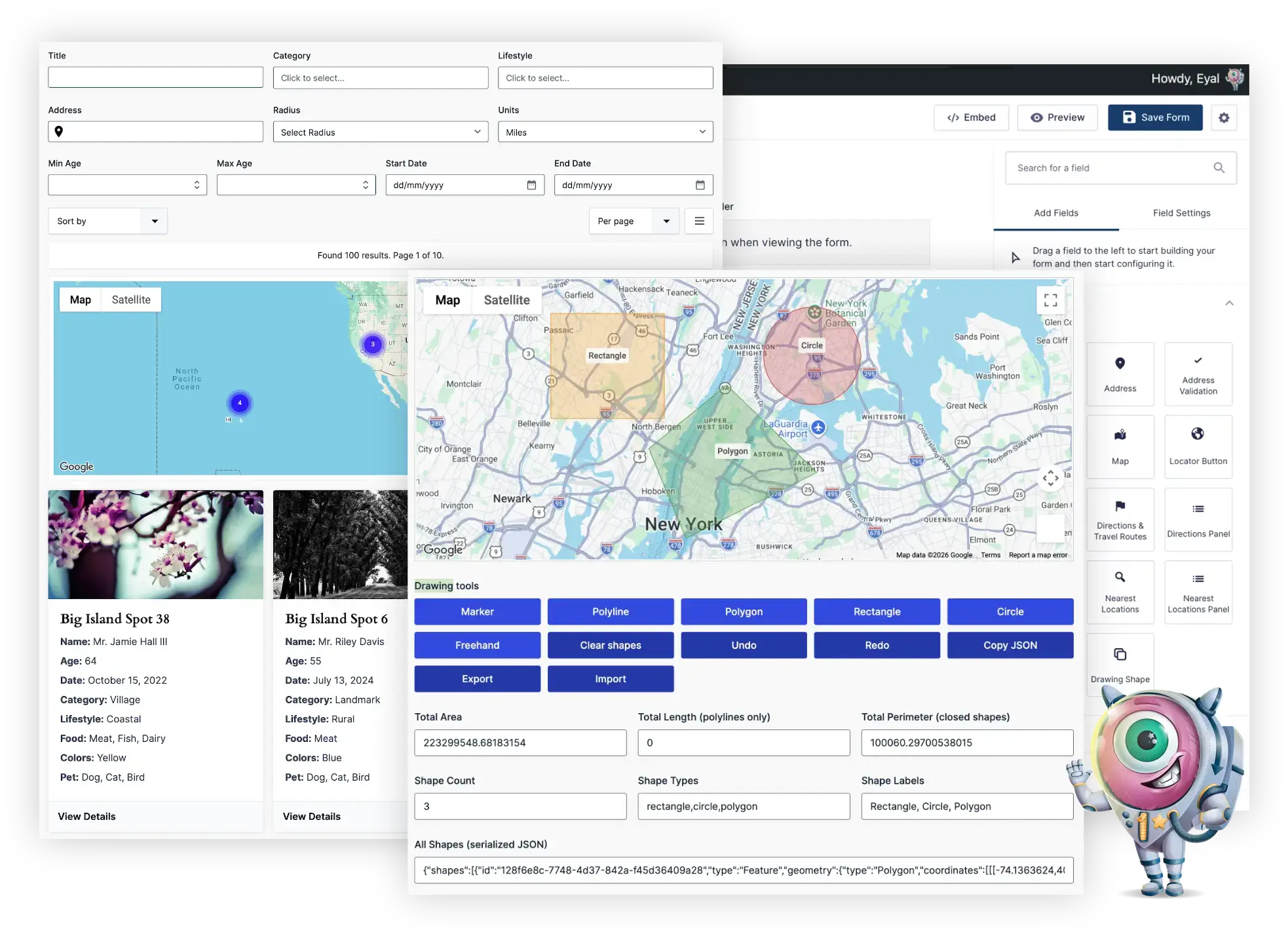
Gravity Geolocation — Toolkit includes everything in the Location and Directions editions, plus address validation, drawing tools, nearby-location searches, and standalone entry maps—all in one plugin.
Included features
- Address autocomplete and geocoding: collect addresses, coordinates, and available structured address components.
- Interactive maps: let visitors view and choose locations directly inside your forms.
- Location tools: includes Coordinates, Locator Button, Reset Location, and Dynamic Location Data.
- Distance and duration: calculate travel distance and estimated travel time between locations.
- Directions and routes: display route maps, summaries, and turn-by-turn directions.
- Address Validation: verify addresses and review suggested corrections.
- Drawing tools: capture map shapes using Drawing Tools and Drawing Shape fields.
- Nearest Locations: find nearby locations and display results with the Nearest Locations Panel.
- Standalone entry maps: display saved locations using single-entry and mashup map shortcodes.
Gravity Search is separate
Need searchable directories or entry listings? Gravity Search is a separate plugin that can run alongside Toolkit. Its Search builder, filters, and searchable listings are not included with Toolkit.
This new Toolkit product does not change the features or access included with existing legacy Gravity Geolocation licenses.
Requirements
- Gravity Forms must be purchased separately, installed, and activated.
- Google-powered features require your own Google Maps Platform API keys and the relevant services enabled.
- Google Maps Platform usage is subject to Google's pricing and billing requirements. Google service charges are not included in your plugin license.
License options
Choose an annual license for 1, 3, or 20 sites. Every option includes the same Toolkit features; only the number of permitted site activations differs.
Choosing and upgrading your edition
Location, Directions, and Toolkit are alternative editions of the same Gravity Geolocation plugin—not extensions to activate together. Toolkit combines both focused editions and adds the advanced geolocation tools.
After upgrading your license to Toolkit, download and install the Toolkit package over your existing Gravity Geolocation installation.